

Every 90-minute session we run focuses on a specific presentation topic
18th November – 1pm GMT / 8am EST
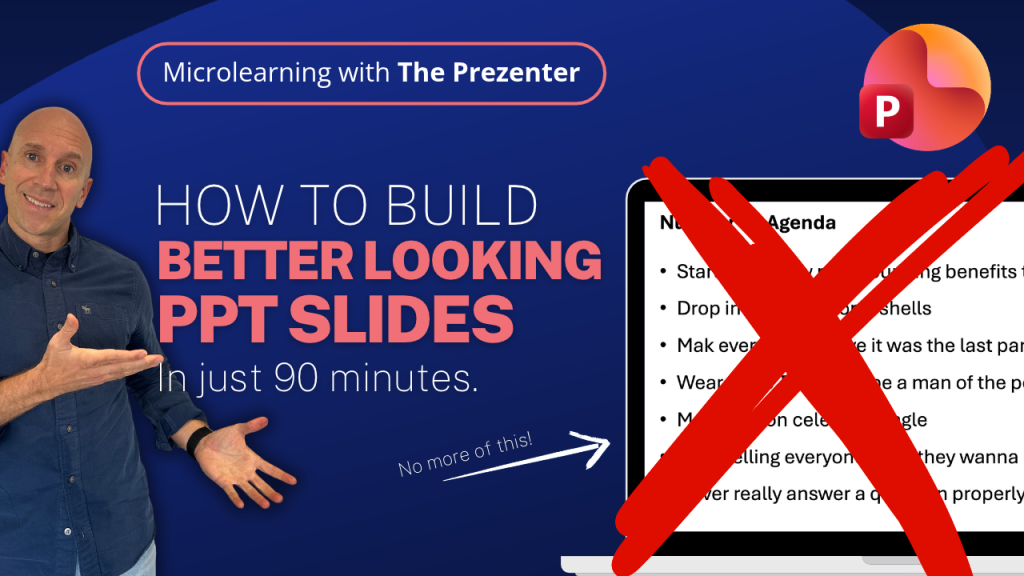
You don’t need to be a designer to create great-looking PowerPoint slides. Learn how to apply simple layouts and structure to your deck.
In this session, you’ll learn how to take your PowerPoint presentations to the next level by improving the layout and design of your content.
19th November – 4:15pm GMT / 11:15am EST
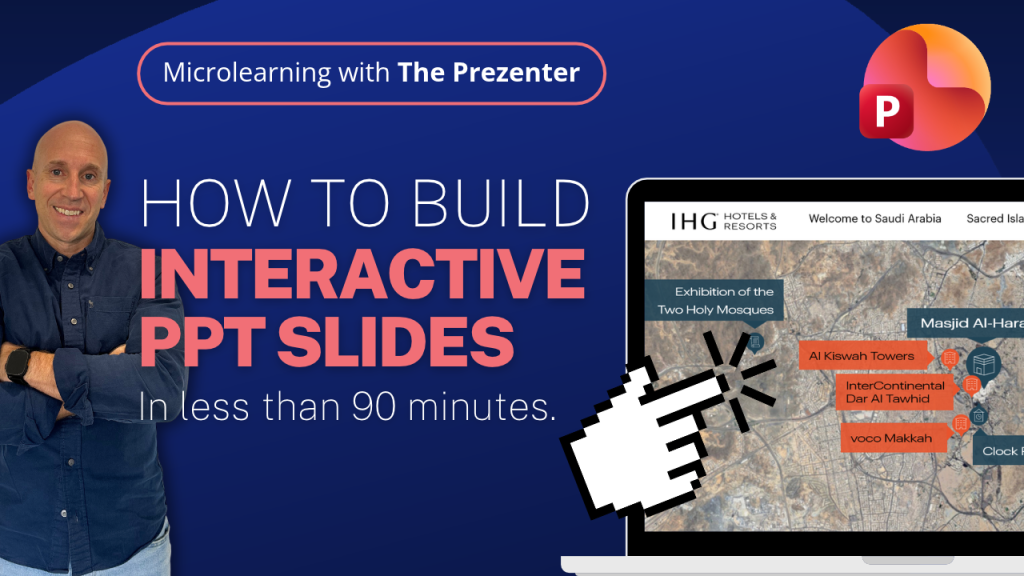
Take your presentations to the next level by mastering the interactive features of PowerPoint. It’s easier than you think!
In this session, you’ll learn how to take your PowerPoint presentations to the next level by mastering the interactive features and changing the way you present forever.
25th November – 4:15pm GMT / 11:15am EST
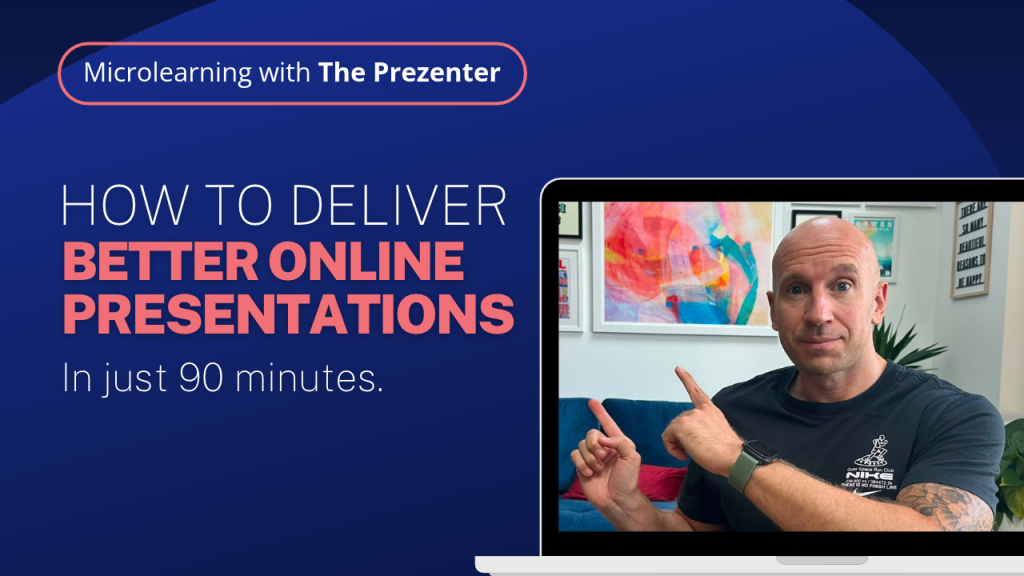
Learn how to master the art of virtual presenting and increase audience engagement. Become a more confident online presenter in 90 minutes.
In this session, you’ll learn how to take your online delivery to the next level by improving your confidence and implementing some simple changes to every virtual presentation.
2nd December – 1pm GMT / 8am EST
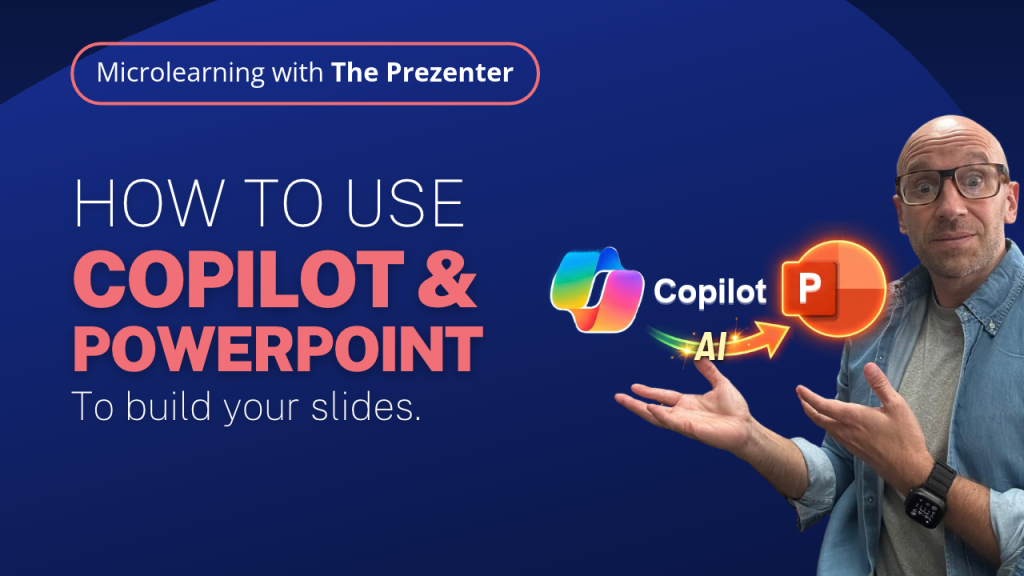
If you haven’t explored what Copilot can do for you inside PowerPoint yet, this is the perfect session to get familiar with all the basics.
In this session, you’ll learn the basics of how MS Copilot can help you build presentations. Everything from the initial setup, right through to using Copilot skills that perform the specific tasks you need completed.
3rd December – 4:15pm GMT / 11:15am EST
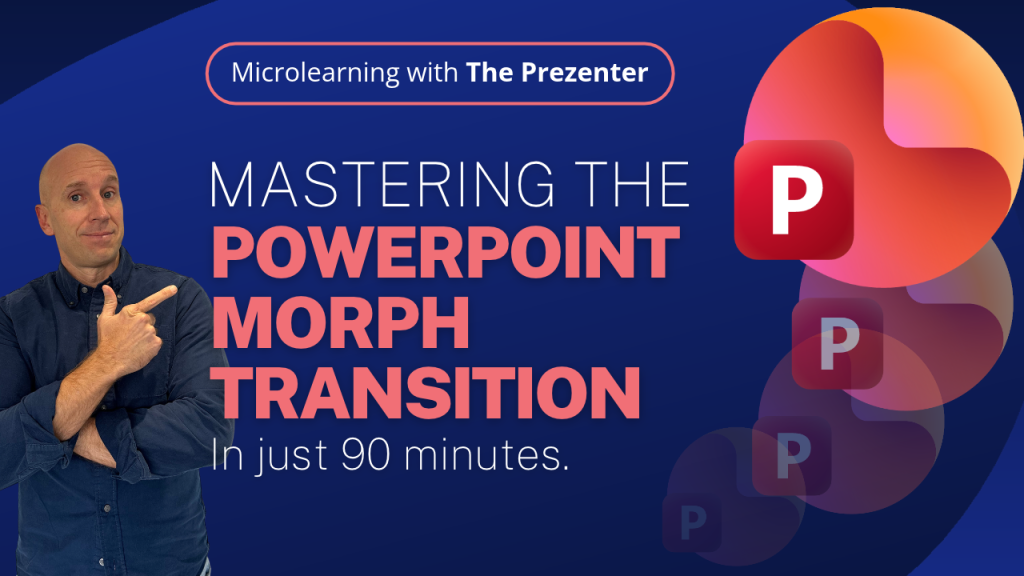
In this session, you’ll learn a simple 4-step approach that professional presentation designers use to create epic slides with the Morph transition.
You’ll be able to create stunning presentations that your audience won’t even believe have been made with PowerPoint.
16th December – 1pm GMT / 8am EST
Take your presentations to the next level by mastering the interactive features of PowerPoint. It’s easier than you think!
In this session, you’ll learn how to take your PowerPoint presentations to the next level by mastering the interactive features and changing the way you present forever.
6th January – 4:15pm GMT / 11:15am EST
You don’t need to be a designer to create great-looking PowerPoint slides. Learn how to apply simple layouts and structure to your deck.
In this session, you’ll learn how to take your PowerPoint presentations to the next level by improving the layout and design of your content.
7th January – 1pm GMT / 8am EST
Learn how to master the art of virtual presenting and increase audience engagement. Become a more confident online presenter in 90 minutes.
In this session, you’ll learn how to take your online delivery to the next level by improving your confidence and implementing some simple changes to every virtual presentation.
13th January – 1pm GMT / 8am EST
In this session, you’ll learn a simple 4-step approach that professional presentation designers use to create epic slides with the Morph transition.
You’ll be able to create stunning presentations that your audience won’t even believe have been made with PowerPoint.
14th January – 4.15pm GMT / 11:15am EST
If you haven’t explored what Copilot can do for you inside PowerPoint yet, this is the perfect session to get familiar with all the basics.
In this session, you’ll learn the basics of how MS Copilot can help you build presentations. Everything from the initial setup, right through to using Copilot skills that perform the specific tasks you need completed.
Every microlearning session has a specific goal in mind.
Wether it’s teaching you how to use Copilot inside PowerPoint, or how to get to grips with the Morph transition, you’ll walk away with a fresh set of skills every time.
All the sessions are very hands-on so expect to be ‘doing’ rather than just listening.
We always leave plenty of room for questions during the session and a dedicated Q&A at the end.